

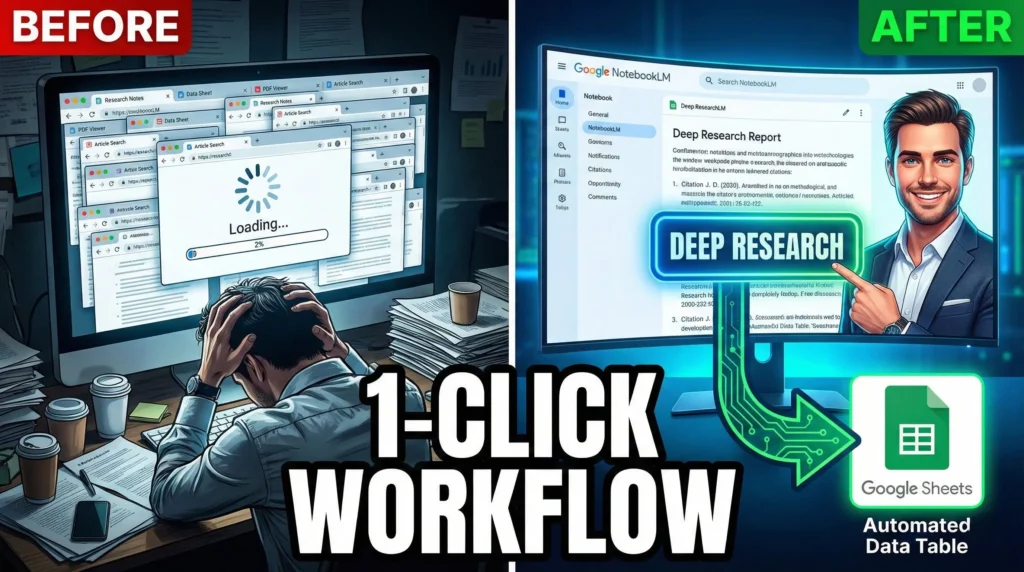
Most people are still manually copying and pasting information from dozens of browser tabs, drowning in a sea of disconnected PDFs and notes. If that sounds familiar, you’re essentially doing research the “old way.” The latest 2026 updates to NotebookLM have completely flipped the script, moving beyond simple document analysis to full-scale research automation. With the integration of Gemini 3 under the hood, the platform has transitioned from a passive note-taker into an active AI research agent capable of doing the heavy lifting for you.
The real game-changer is the “Deep Research” feature, which allows the AI to autonomously browse the web, create a research plan, and synthesize hundreds of sources into a grounded report while you focus on other tasks. Whether you are building a competitive analysis, preparing a business presentation, or creating content for your audience, these tools are designed to turn messy data into organized “gold” in a fraction of the time it used to take.
By leveraging new features like automated Data Tables and the ability to join live conversations with your Audio Overviews, you can create a seamless loop between gathering information and executing on it. This isn’t just about working faster; it’s about using the reasoning power of Gemini 3 to connect ideas you might have missed. If you’re ready to stop the manual grind and start using a research tool that actually thinks along with you, it’s time to master the new NotebookLM workflow.
Key Takeaways
- Deep Research Automation: NotebookLM can now autonomously search the web, analyze hundreds of sources, and generate a comprehensive research report with citations in the background.
- Structured Data Tables: You can automatically extract scattered information from PDFs and docs into structured tables that export directly to Google Sheets for easy analysis.
- Gemini 3 Integration: The upgraded reasoning engine allows for better context handling and more intelligent connections between complex ideas in your sources.
- Interactive Overviews: Beyond just listening to AI-generated podcasts, you can now “join the conversation” in Audio Overviews to ask real-time questions about your data.
- Custom Personas and Mind Maps: Tailor the AI’s perspective to specific roles (like a marketing strategist) and visualize your research with automated mind maps.
CTA to watch the video Check out the full video below to see a step-by-step demo of these new features in action and learn how to build your own AI research army.
P.S. If you want to go deeper than just tutorials and actually build a business with AI tools then join the AI Profit Boardroom. Here’s where you will find tons of tutorials, tips, tools and advanced workflows that don’t make it to YouTube. Join the AI Profit Boardroom here – https://clinthermanlikes.com/aipb