Google Flow Just Killed Tool Switching: The Ultimate All-in-One AI Video Workflow

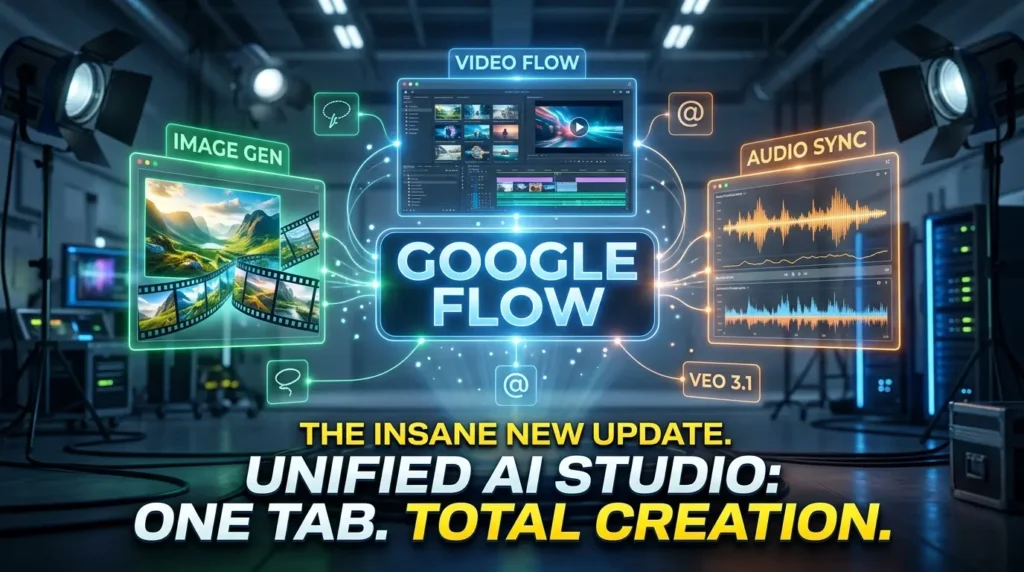
The landscape of AI content creation just shifted dramatically. For a long time, the creative pipeline has been hopelessly fragmented, forcing creators to bounce back and forth between a text-to-image generator, a separate web platform for visual mood boards, and an entirely different video synthesis app just to produce a single cohesive clip. Google just ended that massive time-sink by merging its separate tools—Flow for video, Whisk for collages, and Image FX for generation—into one unified creative workspace.
This major structural redesign turns Google Flow into an all-in-one cinematic AI studio where you can transition directly from raw concept to a high-fidelity image, and straight into video animation without ever switching tabs. Powered by Google DeepMind’s most sophisticated foundational models—including Imagen, Gemini, and the newly upgraded Veo 3.1 video architecture—this update completely eliminates production friction. It means you no longer have to manage mismatched assets across separate platform subscriptions or hope your image quality holds when downloading and re-uploading components.
Beyond the interface fusion, the update injects massive creative control directly into your dashboard. From free high-fidelity graphics via the new “Nano Banana” image engine to natural language canvas selection with a precise lasso editing tool, you can point, describe, and refine assets on the fly. Furthermore, with the launch of Veo 3.1, rich programmatic audio is now natively woven across all generation and video extension features, allowing you to synthesize completed, multi-layered video pieces in a fraction of the time.
Unified Creative Dashboard: Google has officially merged Flow, Whisk, and Image FX into a single interface, transforming the platform from a standard video generator into a comprehensive text-to-video pipeline.
Nano Banana Image Model: A brand new, built-in imaging engine that offers free, high-fidelity text-to-image generation directly inside your asset library to serve as instant ingredients for video animation.
Smart Asset Management: Features a redesigned media grid with custom collection folders and a shortcut that lets you use the “@” symbol to instantly reference specific files inside text prompts without re-uploading them.
Natural Language Editing & Inpainting: Introduces a precise canvas lasso tool along with native video functions to extend clips, insert new items, or completely remove background elements using basic text commands.
Veo 3.1 Audio Integration: The upgraded video model brings richer audio capabilities, stronger prompt adherence, and enhanced texture realism across video extensions and image-to-video features.
To see exactly how this unified dashboard operates and how you can leverage these newly released features to accelerate your digital workspace pipeline, check out the embedded video breakdown below.
P.S. If you want to go deeper than just tutorials and actually build a business with AI tools then join the AI Profit Boardroom. Here’s where you will find tons of tutorials, tips, tools and advanced workflows that don’t make it to YouTube. Check out the AI Profit Boardroom here: https://clinthermanlikes.com/aipb