
Unbelievable! Create Long AI Cartoon Videos for Free (The Revolutionary Workflow)

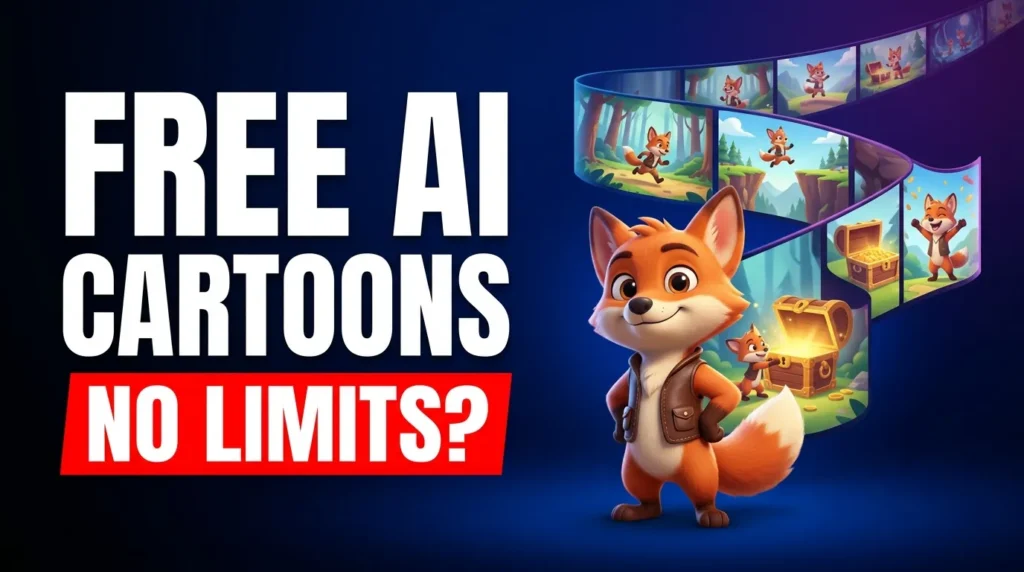
Forget the myth that creating professional, long-form AI cartoon videos demands expensive subscriptions and complex software. For too long, creators have struggled with disconnected clips, inconsistent characters, and prohibitive costs. But what if there was a revolutionary workflow that allowed you to generate stunning, consistent, and long AI cartoons entirely for free?
This isn’t a pipe dream. With the power of Google Vids and Gemini, you can unlock a game-changing system to bring your animated stories to life without spending a dime. We’re talking seamless scene transitions, perfectly consistent characters, and an output that looks anything but free.
Ready to transform your AI video creation? Let’s dive into the steps.
1. Plan Your Masterpiece: Story & Visual Style
Every great cartoon starts with a compelling story and a distinct visual identity. This foundational step ensures your entire video maintains consistency and engages your audience from start to finish.
– Visual Inspiration: Head to Pinterest. Explore styles, color palettes, and character designs that resonate with your vision. This helps you articulate your desired aesthetic to the AI.
– Story Outline with AI: Utilize tools like Claude to generate a detailed, scene-by-scene story outline. Provide your core idea, character descriptions, and desired mood, and let the AI craft a narrative flow that ensures your cartoon progresses logically and smoothly. This outline becomes your blueprint for every video segment.
2. Build Your Consistent Cast: Gemini Power
One of the biggest hurdles in AI animation is maintaining character consistency across different clips. Gemini’s image generation feature is your next-level secret weapon here.
– Character Reference Sheets: Use Gemini to create a comprehensive character reference sheet. Generate multiple poses, expressions, and angles of your main character. Focus on close-ups, full-body shots, and key emotional states.
Detailed Prompting: When generating, be highly descriptive about your character’s features, clothing, and any unique characteristics. Use these consistent images as direct references for all future video generations, ensuring your character always looks like your* character.
3. Master the Flow with Timeline Prompting
Choppy transitions kill immersion. The “timeline prompting” technique is a wild strategy for creating incredibly smooth, fluid scene progression in your AI videos.
– Second-by-Second Breakdown: Instead of broad scene descriptions, break down each scene’s actions second-by-second. For example, “0-2s: Character walks into frame, 2-4s: Character turns head slowly, 4-6s: Character picks up object.”
– Precise Action Cues: This hyper-detailed prompting guides the AI precisely, ensuring each short video clip flows logically into the next, mimicking the continuous action of traditional animation.
4. Google Vids: Connect & Generate Your Scenes
Google Vids is the central hub where your individual AI-generated moments transform into a coherent narrative. Its intuitive features make the connection process surprisingly simple.
– Sequential Generation: Generate your video clips in Google Vids, feeding it your timeline prompts and character references.
– Video Extension Feature: Crucially, utilize Google Vids’ “video extension” feature. This allows you to smoothly extend the duration of a clip or connect a new clip to an existing one, maintaining visual continuity and reducing jarring cuts.
– Strategic Camera Angles: Experiment with slight camera angle changes between connected clips (e.g., medium shot to close-up) to add dynamic visual interest without breaking consistency.
5. The Final Polish: Editing & Voiceovers
Once your individual clips are generated, the final step brings everything together into a polished, professional cartoon. Google Vids provides all the essential tools.
– Arrange & Sequence: Drag and drop your generated clips into the desired order on the timeline.
– Seamless Transitions: Add subtle transitions between scenes to enhance fluidity. Avoid overly complex effects that might distract from your narrative.
– Layering Effects: Experiment with basic effects or overlays available in Google Vids to add depth or mood if necessary.
– Record Voiceovers: Use the integrated voiceover recording feature to narrate your story or provide character dialogue directly within Google Vids. This eliminates the need for external audio editing and ensures perfect sync.
Unlock Your Free AI Cartoon Potential Today!
Creating long, consistent AI cartoon videos for free is no longer a futuristic dream; it’s a tangible reality with Google Vids and Gemini. By meticulously planning your story, leveraging Gemini for character consistency, mastering timeline prompting, and intelligently connecting clips in Google Vids, you can produce professional-grade animation without the professional price tag.
Stop letting perceived costs and complexity hold you back. This workflow isn’t just about making cartoons; it’s a blueprint for unbelievable content creation that you can apply across various AI-powered projects. Start building your animated world today!
P.S. If you want to go deeper than just tutorials and actually build a business with AI tools then join the AI Profit Boardroom. Here’s where you will find tons of tutorials, tips, tools and advanced workflows that don’t make it to YouTube. Check out the AI Profit Boardroom here: https://clinthermanlikes.com/aipb