How to Use Google Gemini Interactive UI: The End of Boring AI Text

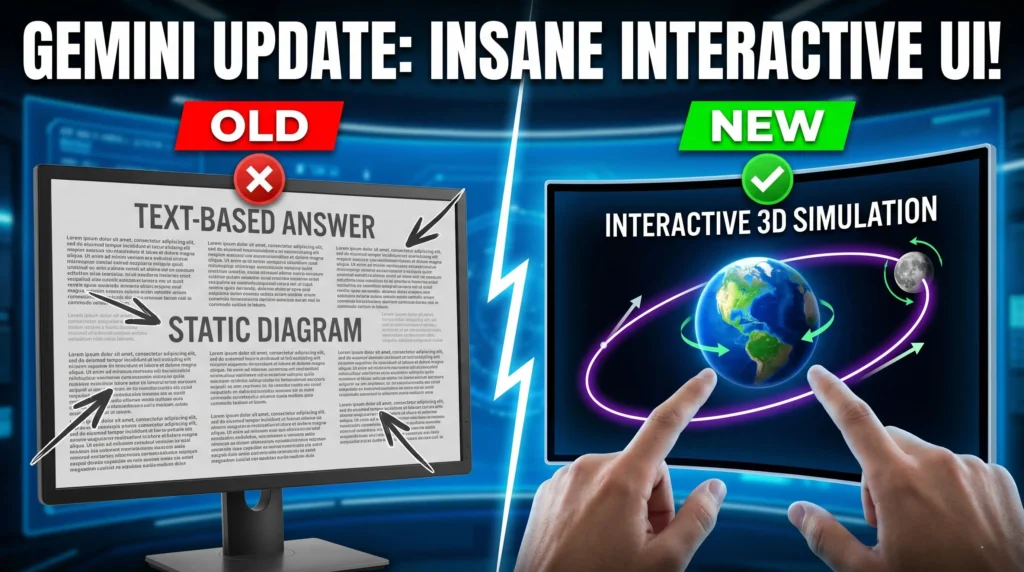
The era of reading endless paragraphs from your AI chatbot is officially over. Google has just released a massive update to Gemini that introduces “Generative UI,” a shift that transforms static text responses into fully interactive 3D models, simulations, and custom-built tools. If you’ve been frustrated by “wall-of-text” fatigue, this update is the game-changer you’ve been waiting for.
By simply changing how you prompt, you can now trigger Gemini to build bespoke interfaces specifically for your needs—ranging from interactive loan calculators to 3D celestial orbits you can manipulate in real-time. This isn’t just about making AI look better; it’s about “accelerated learning” where you understand complex topics faster by playing with the variables yourself rather than just reading about them.
In this guide, we dive into the secret “trigger phrases” that unlock these visual features and explore how Gemini is moving from a simple answer machine to an experience creator. Whether you are using the free Pro model or the high-end Ultra version for deep research, these new workflows will completely change how you use AI for work and learning.
Generative UI & Dynamic View: Gemini now designs and codes custom interactive interfaces and tools, like calculators or visual itineraries, specifically tailored to your prompt.
The “Show Me” Trigger: Using specific phrases like “show me” or “help me visualize” signals Gemini to bypass text and generate interactive 3D models or simulations.
Interactive 3D Simulations: Users can now manipulate variables—such as gravity, velocity, or wave height—within the chat window to see real-time outcome shifts.
Accelerated Learning: Manipulating technical or scientific models directly cuts down comprehension time, making it ideal for technical research and data exploration.
Pro vs. Ultra Features: While interactive visuals are available in the Gemini Pro model, the Ultra tier adds deep research capabilities with personalized reports and custom graphics.
Ready to see these interactive features in action and learn the exact prompts to use? Watch the full video below to master the new Google Gemini update!
P.S. If you want to go deeper than just tutorials and actually build a business with AI tools then join the AI Profit Boardroom. Here’s where you will find tons of tutorials, tips, tools and advanced workflows that don’t make it to YouTube. Check out the AI Profit Boardroom here: https://clinthermanlikes.com/aipb