How to Automate Your Research with NotebookLM and Claude Code: The Ultimate MCP Workflow

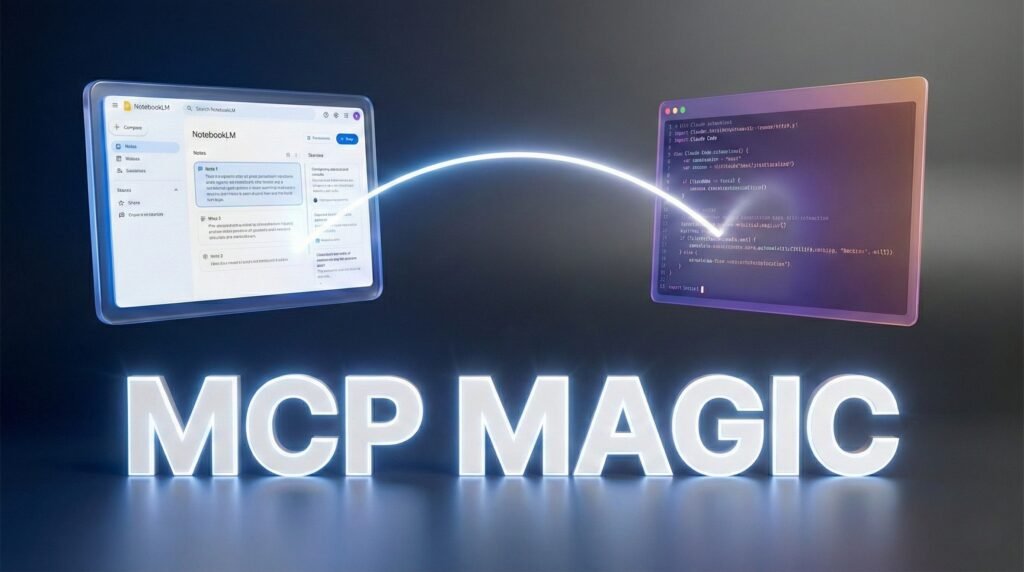
Are you still manually navigating through NotebookLM to generate audio overviews or extract insights? The “anti-gravity” era of AI research is here. By bridging Google’s NotebookLM with Anthropic’s Claude Code through the Model Context Protocol (MCP), you can now remotely control your entire research library from a single command line. This integration isn’t just a minor update; it is a complete paradigm shift for researchers, developers, and content creators who need to handle massive amounts of data without the friction of a manual UI.In this breakthrough tutorial, Julian Goldie reveals how to use the Windsurf IDE (often referred to as Google Anti-gravity) to orchestrate a high-speed automation engine. You’ll learn how to install the notebook-lm-mcp server, authenticate your Google account, and use Claude Code to trigger NotebookLM’s most powerful features—like generating audio summaries, infographics, and deep research reports—directly from your terminal.By the end of this guide, you will understand how to leverage free APIs, utilize the Cline extension for browser automation, and even generate high-end image assets with Gemini’s nano banana generator—all baked into one seamless environment. Stop wasting time on manual data entry and start using the world’s most advanced AI agent setup to automate your research and content generation today.
- Terminal-Driven Research: Learn how to query, analyze, and manage 100+ notebooks simultaneously using natural language commands in Claude Code.
- MCP Server Mastery: Step-by-step instructions on setting up the notebook-lm-mcp bridge to connect Google’s research power with Claude’s coding intelligence.
- Automated Content Generation: Remotely trigger NotebookLM to produce audio overviews, infographics, and video explainers that can be embedded directly into your web projects.
- The Windsurf “Anti-gravity” Advantage: Utilize the Windsurf IDE to access paid APIs for free and use the built-in Nano Banana image generator to enhance your projects.
- Professional UI Improvements: See how Claude Code can automatically refine your project’s design, adding features like glassmorphism and animations while you sleep.
Ready to see this “Anti-gravity” workflow in action? Watch Julian Goldie’s full masterclass below to start automating your research forever.
P.S. If you want to go deeper than just tutorials and actually build a business with AI tools then join the AI Profit Boardroom. Here’s where you will find tons of tutorials, tips, tools and advanced workflows that don’t make it to YouTube. Check out the AI Profit Boardroom here -> https://clinthermanlikes.com/aipb
🚀
Ready to profit from AI?
The AI Profit Boardroom is where I share real AI monetization strategies — not hype, actual step-by-step plays working right now.
Join the Boardroom →
☕
Did this help you?
If this article gave you value, consider buying me a coffee — it keeps the content coming and the lights on!
Buy Me a Coffee ☕