
Claude Code Just Changed Forever: Mastering the New Desktop & V2.1 Update

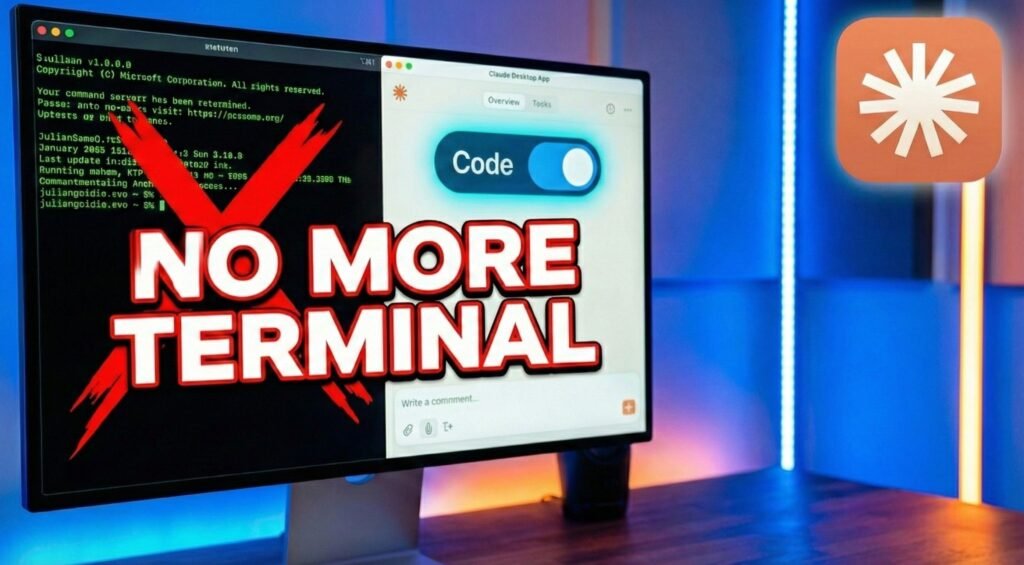
For a long time, the barrier to entry for powerful AI coding tools was the intimidating terminal window. Whether you were a seasoned developer or a curious entrepreneur, wrestling with command lines could feel like a hurdle. However, the game has officially changed with the latest Claude Code integration. You can now run Claude Code directly inside the Claude Desktop app, bringing professional-grade coding capabilities to a sleek, intuitive interface that anyone can navigate.
This isn’t just a UI facelift; it’s a fundamental shift in accessibility. By simply opening your sidebar and toggling the “Code” feature, you can grant Claude access to your local project folders and start building immediately. Whether you’re looking to automate boring business tasks, improve an existing website’s UI, or build a functional game from scratch, the friction of the terminal is finally gone.
In this deep dive, we explore why this update is a “forever” change for the industry. From the technical improvements in the 2.10 version—like automatic skill reloads—to the ability to manage multiple coding sessions simultaneously, Claude is rapidly evolving from a simple chat bot into a high-powered autonomous agent. Watch as we demonstrate the power of this update by building a “Flappy Bird” style game with sound effects using just one single prompt.
- No More Terminal: Run Claude Code directly in the Claude Desktop app with a simple sidebar toggle and folder access.
- Version 2.10 Power: Experience massive upgrades including automatic skill reloads, slash commands, and expanded agent language support.
- Multi-Session Coding: Manage and run multiple local coding projects simultaneously within the new desktop UI.
- One-Prompt Development: Build fully functional games and complex applications using plain English prompts and local file execution.
- Cost-Saving Integration: Learn how to link Claude Code with tools like Anti-gravity to maximize your API credits while maintaining agent power.
Ready to stop wrestling with command lines and start building your first AI-powered project? Click the video below to see exactly how to set up the new Claude Code Desktop app and watch a live demo of its insane coding speed in action!
P.S. If you want to go deeper than just tutorials and actually build a business with AI tools then join the AI Profit Boardroom. Here’s where you will find tons of tutorials, tips, tools and advanced workflows that don’t make it to YouTube. Check out the AI Profit Boardroom here: https://clinthermanlikes.com/aipb